


LIVE
v1.0 (public beta)
runagent logo RunAgent

Secure, Reliable AI Agent Deployment at Scale

Write agents in Python. Use them natively from JS/TS, Rust, Go. Local today! Cloud serverless comming soon!

Authentication successful!
Agent 'ra-demo' created successfully!
Agent 'ra-demo' deployed successfully!

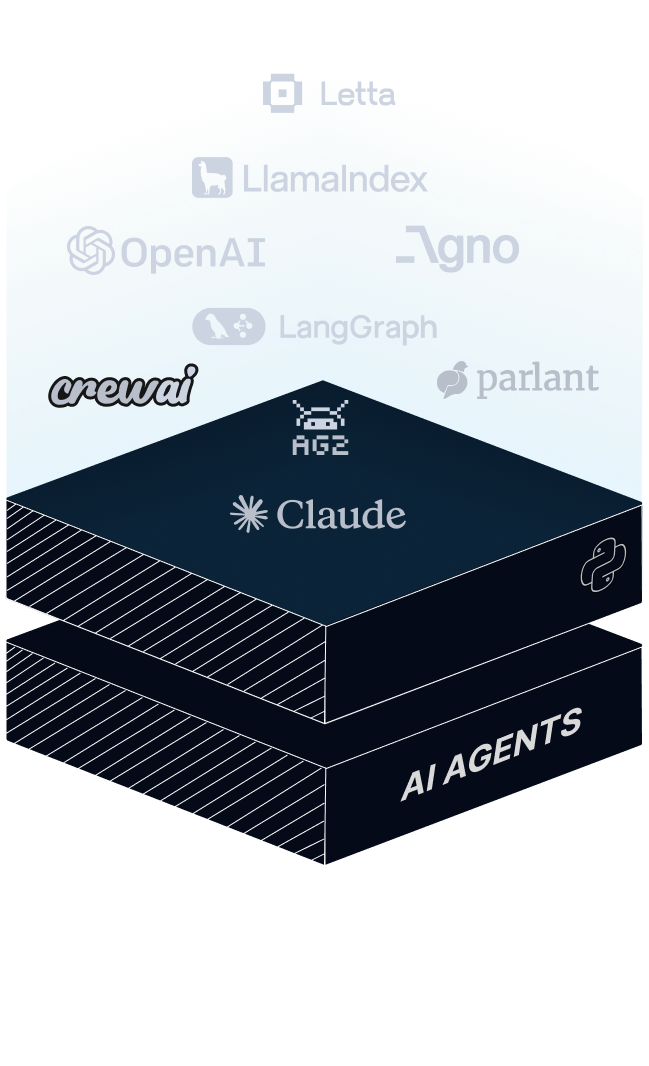
Powered by + Your Favorite Frameworks +

OpenAI
Letta
LangGraph
LlamaIndex
Agno
CrewAI
Ag2
Claud
Parlant
OpenAI
Letta
LangGraph
LlamaIndex
Agno
CrewAI
Ag2
Claud
Parlant
runagent logo

Powerful Features

Features

:::0.001

my-agent - Visual Studio Code
Explorer
my-agent
main.py
requirements.txt
runagent.config.yaml
main.py×
1
2
3
4
5
6
7
8
9
10
runagent.config.yaml
runagent.config.yaml×
1
2
3
agent_name:my-agent
version:"1.0.0"
entrypoints:
file: main.py
module: get_weather
tag: weather
BRING YOUR OWN CODEBASE

Not a single line of code change needed. Just add a lightweight configuration file pointing to agent entrypoints, and deploy.

Learn More

:::0.002

FRAMEWORK AGNOSTIC

Works seamlessly with LangChain, LangGraph, and any AI framework you prefer.

Learn More

:::0.003

terminal
$
runagent deploy ra-agent
Agent path validated - matches database record!
Deploying agent ...
Agent deployed successfully (9.7s)
Agent ID: 57a16e7c-24d6-42fb-9277-7cf566bee94d
For details, visit: https://app.run-agent.ai/dashbo...
CLI-FIRST DEPLOYMENT

Deploy agents with one simple command. Skip setup, configs, and ship production-ready in seconds.

Learn More

:::0.004

runagent-sdk
Python
JavaScript/TypeScript
Rust
Go
$pipinstallrunagent

More language SDK support coming soon!

Java
C++
C#
Ruby
PHP
Swift
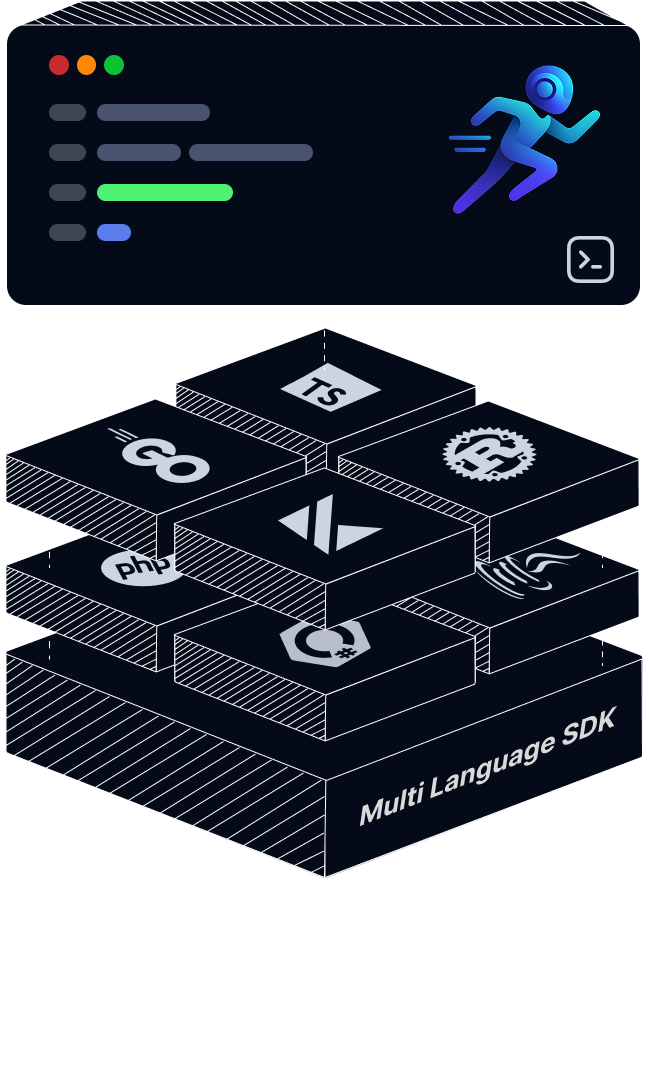
MULTI-LANGUAGE SDK SUPPORT

Support for 10+ programming languages with consistent APIs and comprehensive documentation.

Learn More

:::0.005

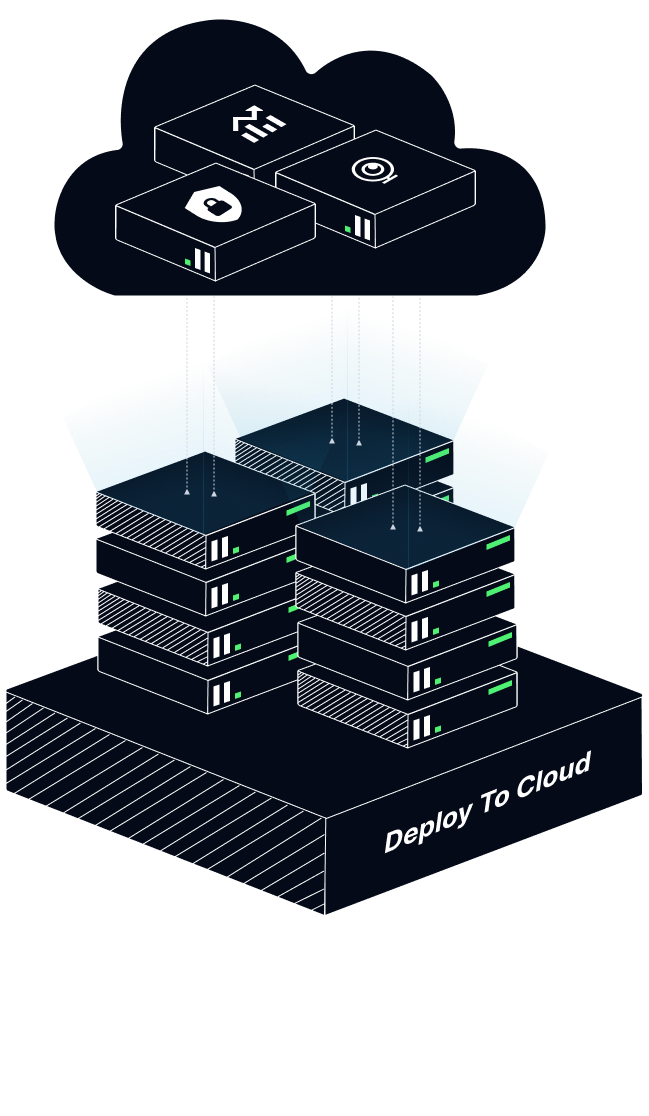
SERVERLESS AUTO-SCALE

Traffic flows seamlessly through our cloud infrastructure, automatically scaling agents based on demand.

Learn More

:::0.006

terminal
$runagent serve my-agent
agent reloaded ()

Live Test (Locally)

LOCAL HOT RELOADING

Start a dev server instantly, test live, and update your agent without restarting.

Learn More

Solution

runagent logo

The Problem We Solve

THE PROBLEM...
PYTHON FIRST!

AI agents are written mostly in Python.

runagent logo
DESPERATE DEMAND!

Companies are desperately trying to integrate AI agents into their workflow.

runagent logo
LANGUAGE GAP!

But companies are using JavaScript/Rust/Go/ any other language in the workflow

runagent logo
SLOW INTEGRATION!

Integrating AI Agents into existing software takes 8-12 months

runagent logo
FAILED PROMISES!

Over 90% of AI projects fail to deliver in production

runagent logo
LOCK-IN COSTS!

75% of enterprises face cost increases due to vendor lock-in

runagent logo
THE SOLUTION...
runagent logo
:::0.001
runagent logo
:::0.002
runagent logo
:::0.003
CHOOSE AGENT & FRAMEWORK

Agents today rely on Python-first tools, limiting multi-language adoption.

USE RUNAGENT CLI & MULTI LANGUAGE SDK

Deploy AI Agents seamlessly to JS, TS, C#, Go, Rust, and Java using RunAgent CLI.

DEPLOY & SCALE WITH RUNAGENT CLOUD

Secure, scalable RunAgent Cloude infrastructure for production-ready agent operations.

runagent logo

Framework Agnostic

Features

AI Agent IDE
agent.py
runagent.config.yaml
client.py
"""Weather Agent - LangGraph"""
import os
from typing import TypedDict
from langgraph.graph import StateGraph, END
from langchain_openai import ChatOpenAI
import requests

OPENAI_KEY = os.getenv("OPENAI_API_KEY")
WEATHER_KEY = os.getenv("WEATHER_API_KEY")

class WeatherState(TypedDict):
    city: str
    weather: dict
    response: str

class WeatherAgent:
    def __init__(self):
        self.llm = ChatOpenAI(
            model="gpt-4",
            api_key=OPENAI_KEY
        )
    
    def fetch(self, state: WeatherState):
        city = state["city"]
        url = f"https://api.openweathermap.org"
        url += f"/data/2.5/weather?q={city}"
        url += f"&appid={WEATHER_KEY}&units=metric"
        
        try:
            r = requests.get(url)
            state["weather"] = r.json()
        except Exception as e:
            state["weather"] = {"error": str(e)}
        return state
    
    def respond(self, state: WeatherState):
        data = state["weather"]
        if "error" in data:
            state["response"] = "Error!"
            return state
        
        prompt = f"""Weather for {state['city']}:
Temp: {data['main']['temp']}°C
Condition: {data['weather'][0]['description']}
Humidity: {data['main']['humidity']}%"""
        
        resp = self.llm.invoke(prompt)
        state["response"] = resp.content
        return state
    
    def build(self):
        graph = StateGraph(WeatherState)
        graph.add_node("fetch", self.fetch)
        graph.add_node("respond", self.respond)
        graph.set_entry_point("fetch")
        graph.add_edge("fetch", "respond")
        graph.add_edge("respond", END)
        return graph.compile()

def get_weather_langgraph(city: str):
    agent = WeatherAgent()
    graph = agent.build()
    result = graph.invoke({
        "city": city,
        "weather": {},
        "response": ""
    })
    return result["response"]
agent_name: My Agent
description: A weather checking agent
framework: langgraph
template: default
version: 1.0.0
template_source:
  repo_url: https://github.com/runagent-dev/runagent.git
  path: templates/langgraph
  author: sawradip
agent_architecture:
  entrypoints:
    - file: agent.py
      module: get_weather_langgraph
      tag: weather_info
from runagent import RunAgentClient

# Create a client pointing to your agent
weather_agent = RunAgentClient(
    agent_id="XXXXXXXX-XXXX-XXXX-XXXX-XXXXXXXXXXXX",
    entrypoint_tag="weather_info"
)

# Call your agent
agent_result = weather_agent.run(
    city="New York"
)

print(agent_result)
main
langgraph
python
AI Agent FrameworkMulti-Language Support

Simple yet powerful commands

Deploy and manage AI agents with our intuitive CLI. From initialization to monitoring, everything you need in simple, powerful commands.

runagent setup

Setup

Install and configure RunAgent CLI on your system

runagent init

Initialize Project

Set up a new agent project structure with minimal configuration

runagent serve

Serve Locally

Run your agent locally for development and testing

runagent deploy

Deploy Agent

Deploy your agent to production with a single command

terminal

Loading terminal...

runagent logo

Inspired by Your Thoughts

Feedback from people who believed in our concept and helped us grow it stronger.

Feedback

$runagentfeedback
"Deploys in minutes, not hours."
Sarah C.ML Engineer
$runagentfeedback
"Docs are actually readable."
Marcus R.DevOps Lead
$runagentfeedback
"Sleep restored. No 3 AM pages."
Alex K.Indie Dev
$runagentfeedback
"Scaled agents seamlessly."
Lisa C.Platform Eng
$runagentfeedback
"Zero downtime migrations."
Maya S.SRE Lead
$runagentfeedback
"Enterprise-grade, no drama."
Tom H.Backend Dev
$runagentfeedback
"Deploys in minutes, not hours."
Sarah C.ML Engineer
$runagentfeedback
"Docs are actually readable."
Marcus R.DevOps Lead
$runagentfeedback
"Sleep restored. No 3 AM pages."
Alex K.Indie Dev
$runagentfeedback
"Scaled agents seamlessly."
Lisa C.Platform Eng
$runagentfeedback
"Zero downtime migrations."
Maya S.SRE Lead
$runagentfeedback
"Enterprise-grade, no drama."
Tom H.Backend Dev
$runagentfeedback
"Enterprise-grade, no drama."
Tom H.Backend Dev
$runagentfeedback
"Zero downtime migrations."
Maya S.SRE Lead
$runagentfeedback
"Scaled agents seamlessly."
Lisa C.Platform Eng
$runagentfeedback
"Sleep restored. No 3 AM pages."
Alex K.Indie Dev
$runagentfeedback
"Docs are actually readable."
Marcus R.DevOps Lead
$runagentfeedback
"Deploys in minutes, not hours."
Sarah C.ML Engineer
$runagentfeedback
"Enterprise-grade, no drama."
Tom H.Backend Dev
$runagentfeedback
"Zero downtime migrations."
Maya S.SRE Lead
$runagentfeedback
"Scaled agents seamlessly."
Lisa C.Platform Eng
$runagentfeedback
"Sleep restored. No 3 AM pages."
Alex K.Indie Dev
$runagentfeedback
"Docs are actually readable."
Marcus R.DevOps Lead
$runagentfeedback
"Deploys in minutes, not hours."
Sarah C.ML Engineer

FAQ

runagent logo

Frequently Asked Questions

Everything you need to know about RunAgent. Can't find the answer you're looking for? Reach out to our support team.

You'll receive notifications as you approach your limit. When you run out, you can upgrade to Core plan or purchase additional credits to continue executing agents seamlessly.

Yes! The Free Launch plan gives you $20 in execution credits to test the full platform. You only pay for additional usage beyond the free tier.

The Core plan includes $5 monthly execution credits, unlimited agents, auto-scaling execution, usage-based billing, and priority execution.

Absolutely! You can set spending limits, monitor usage in real-time, and receive alerts before reaching your thresholds.

Yes! Start with $20 in free execution credits - no credit card required. Experience the full platform before committing to a paid plan.

Still have questions?

contact_support

RUNAGENT